
Language Learning App — 26 Languages, Free
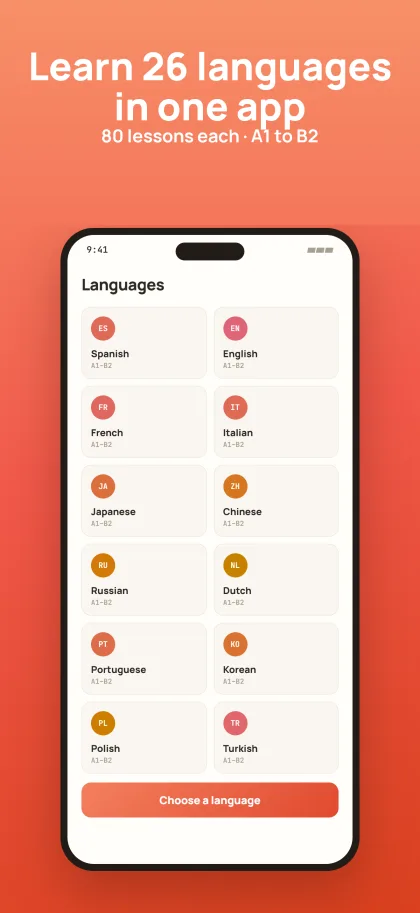
Langula is a language learning app that costs you nothing. 26 languages, 80 lessons each from A1 to B2, and none of it locked. It is on the App Store for iPhone and iPad, and the Android version is being built.
On iPhone and iPad
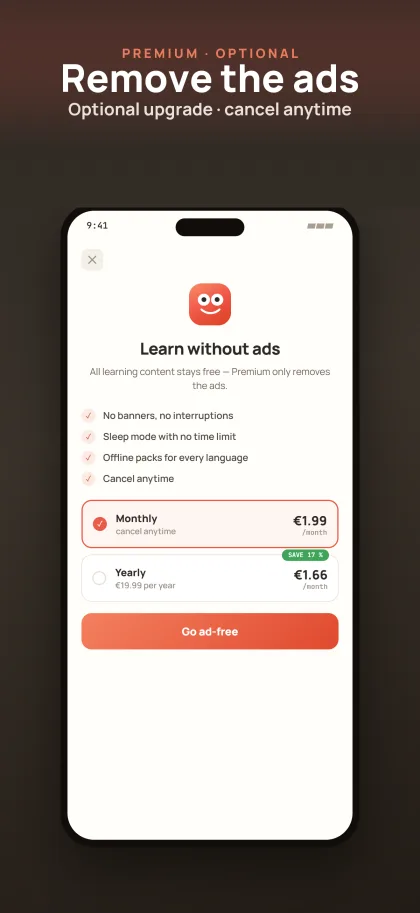
The app is on the App Store and runs on recent iPhones and iPads. Download it, pick a language, begin — you are not asked for an account. Ads pay for it. If you would rather not see them, an optional subscription takes them away, and that is all it does. It unlocks nothing, because nothing is locked.
Get it on the App StoreAndroid
The Android version is in preparation. There is no release date yet, and we would rather name none than name one we cannot keep. Until then, Langula runs in the browser on Android, with the same lessons and the same progress.
What the app gives you
26 languages, none of it locked
Every language has 80 lessons running from A1 to B2. No chapter sits behind a payment, and no level waits for a purchase before it opens.
Pronunciation by native speakers
Words and sentences are spoken by native speakers. Play any of them as often as you like, then say them back.
Flashcards on a spacing system
Cards return on a spaced-repetition schedule. What you know turns up rarely. What you keep missing turns up again until it sticks.
Sleep mode
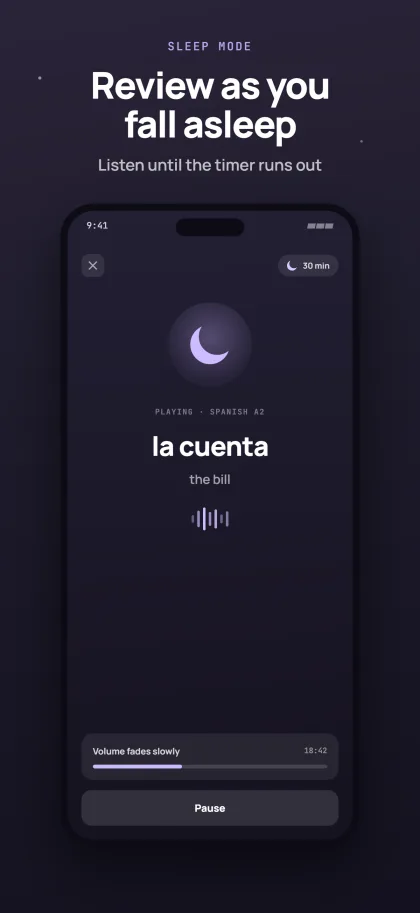
Sleep mode plays back the words from your recent lessons while you drift off. Quiet voice, no screen.
A certificate for every level
Finish a level and you get a certificate that anyone can verify. A1, A2, B1 and B2, at no extra cost.
Your progress follows you
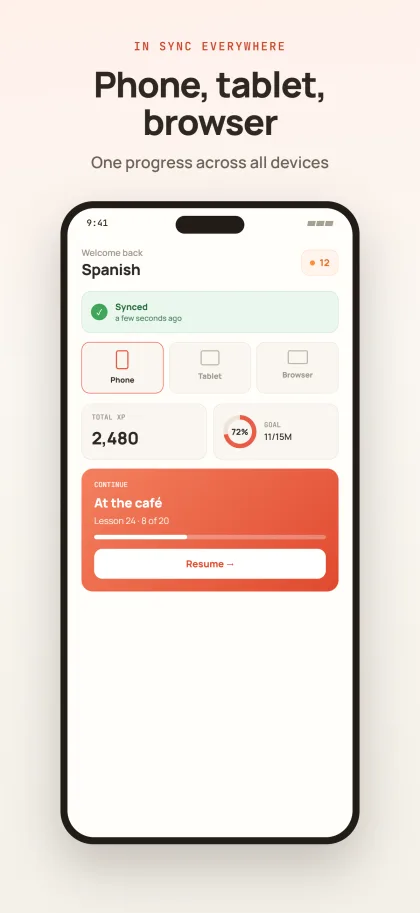
Sign in and your progress moves between phone, tablet and the browser version. Without an account the app works just the same, and progress stays on the device.
From A1 to B2 — your structured learning path
Here is how your journey is built: four CEFR levels, 80 lessons. Each lesson teaches 20 new words and 6 example sentences — flashcards and pronunciation practice lock them in before the next level unlocks.
How it works
Install the app
Download it from the App Store and open it. There is no sign-up wall and no trial that runs out on you after a fortnight.
Pick a language
Choose one of 26. If you already know some of it, start further in instead of at lesson 1.
A few minutes a day
One lesson, then the flashcards that are due. In the evening you can leave the words running in sleep mode.
What the App Adds
The browser version does nearly everything the app does, so the app has to earn its place on your phone. It opens faster than a page does. It sits on the home screen as an icon, one tap away, instead of behind a tab you have to find again. And sleep mode keeps playing with the screen off, which a browser tab will not do. None of that changes what you learn. It changes how little stands between deciding to practise and actually practising, and across a few weeks that is what decides whether you keep going.
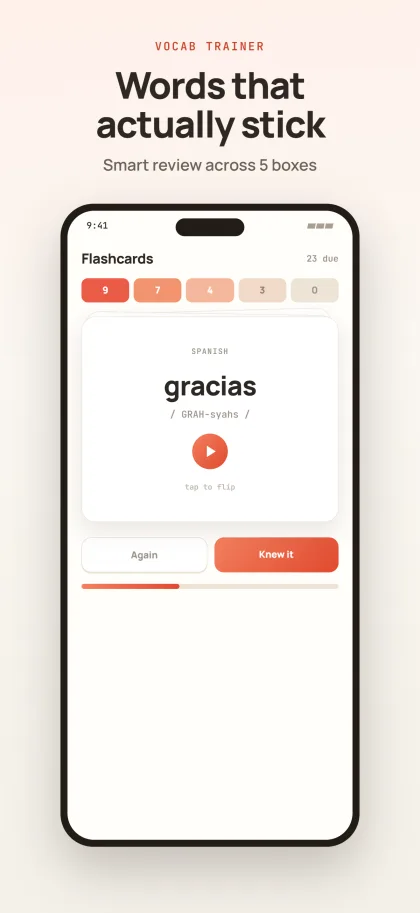
Inside is the whole of Langula — 26 languages, eighty lessons each, running from A1 to B2. Words and sentences are spoken by native speakers, and you can replay any of them as often as you want before saying them back. The flashcards run on spaced repetition: what you know turns up rarely, what you keep missing turns up again until it sticks. Finish a level and you get a certificate whose authenticity can be checked. Nothing on that list waits behind a payment, and nothing unlocks after one.
The app works without an account. Download it, pick a language, begin — no email address needed, and your progress stays on the device. Sign in and it syncs with the browser version instead: what you started at lunchtime on a desktop carries on from your phone on the train, with the same cards due and the same place in the path. You can create the account later, or never. It does not stand in front of the first lesson, and going without it costs you no feature.
An Android version is being worked on. There is no date, and we would rather write that plainly than put a quarter on this page that does not hold up in the end. Until it exists, Langula runs in the browser on Android — the same 26 languages, the same lessons, and the same progress as soon as you are signed in. If you install the app later, your place is waiting for you there instead of back at lesson 1.
Frequently asked questions
Is the app really free?
Do I need an account?
When is the Android app coming?
What language is the app itself in?
What is the certificate for?
Learn whenever it suits you
The app is out for iPhone and iPad. On every other device, Langula runs in the browser.
Get it on the App Store